
MacBook Air vs MacBook Pro
MacBook Air is the thin, fanless and silent laptop for everyday work and study. MacBook Pro is built for sustained, demanding work, with a brighter display, more ports and the M5 Pro and M5 Max chip options. This guide compares the models iShure sells: the 13-inch and 15-inch MacBook Air with the M5 chip, the 14-inch MacBook Pro with the M5 family of chips or the newer M6 chip, and the 16-inch MacBook Pro. It explains when the Pro is worth the extra spend.
Choosing a laptop for studies? Our Best Mac for Students guide matches Macs to courses. Comparing the lower-priced MacBook Neo instead? See MacBook Neo vs MacBook Air.
Quick recommendation
- Choose MacBook Air
- for documents, email, browsing, study, video calls and lighter photo editing, where a light, silent laptop matters more than maximum power.
- Choose MacBook Pro
- for video editing, 3D, software development, music production or other heavy work that runs for long periods, or if you need HDMI, an SD card slot or more than 24GB of memory.
- Not sure?
- The 13-inch MacBook Air with 16GB of memory suits most people. Move to a MacBook Pro when your software or workload clearly needs it.
The models compared
| Feature | MacBook Air 13-inch (M5) | MacBook Air 15-inch (M5) | MacBook Pro 14-inch (M5 family) | MacBook Pro 14-inch (M6) | MacBook Pro 16-inch |
|---|---|---|---|---|---|
| Display | 13.6-inch Liquid Retina, 2560 × 1664, 500 nits | 15.3-inch Liquid Retina, 2880 × 1864, 500 nits | 14.2-inch Liquid Retina XDR, 3024 × 1964, ProMotion up to 120Hz, up to 1,000 nits SDR outdoors, 1,600 nits peak HDR | 14.2-inch Liquid Retina XDR | 16.2-inch Liquid Retina XDR, 3456 × 2234, ProMotion up to 120Hz, up to 1,000 nits SDR outdoors, 1,600 nits peak HDR |
| Chip | M5: 10-core CPU; 8-core GPU on the 512GB model, 10-core GPU on the 1TB models | M5: 10-core CPU, 10-core GPU | M5, M5 Pro or M5 Max | M6: 12-core CPU (2 super, 4 performance and 6 efficiency cores), 12-core GPU | M5 Pro or M5 Max |
| Memory options at iShure | 16GB or 24GB | 16GB or 24GB | 16GB, 24GB, 32GB or 36GB | 16GB, 24GB or 32GB | 24GB, 36GB or 48GB |
| Storage options at iShure | 512GB or 1TB | 512GB or 1TB | 1TB or 2TB | 1TB | 1TB or 2TB |
| Ports | Two Thunderbolt 4, MagSafe 3, headphone jack | Two Thunderbolt 4, MagSafe 3, headphone jack | Three Thunderbolt (Thunderbolt 4 with M5, Thunderbolt 5 with M5 Pro and M5 Max), HDMI, SDXC card slot, MagSafe 3, headphone jack | Not yet confirmed in this guide | Three Thunderbolt 5, HDMI, SDXC card slot, MagSafe 3, headphone jack |
| External displays | Up to two | Up to two | Up to two with M5, three with M5 Pro, four with M5 Max | Not yet confirmed in this guide | Up to three with M5 Pro, four with M5 Max |
| Apple's battery figures | Up to 18 hours video streaming | Up to 18 hours video streaming | Up to 24 hours (M5), 22 hours (M5 Pro) or 20 hours (M5 Max) video streaming | Not yet confirmed in this guide | Up to 24 hours (M5 Pro) or 22 hours (M5 Max) video streaming |
| Weight | 1.23 kg | 1.51 kg | 1.55 kg to 1.62 kg | Not yet confirmed in this guide | 2.14 kg to 2.15 kg |
| Colours at iShure | Sky Blue, Silver, Starlight, Midnight | Sky Blue, Silver, Starlight, Midnight | Space Black, Silver | Space Black, Silver | Space Black, Silver |
| In the box | Laptop and USB-C to MagSafe 3 cable; power adapter sold separately | Laptop and USB-C to MagSafe 3 cable; power adapter sold separately | Laptop and USB-C to MagSafe 3 cable; power adapter sold separately | Laptop and USB-C to MagSafe 3 cable (2 m); whether a power adapter is included can vary by region, so please check with iShure | Laptop and USB-C to MagSafe 3 cable; power adapter sold separately |
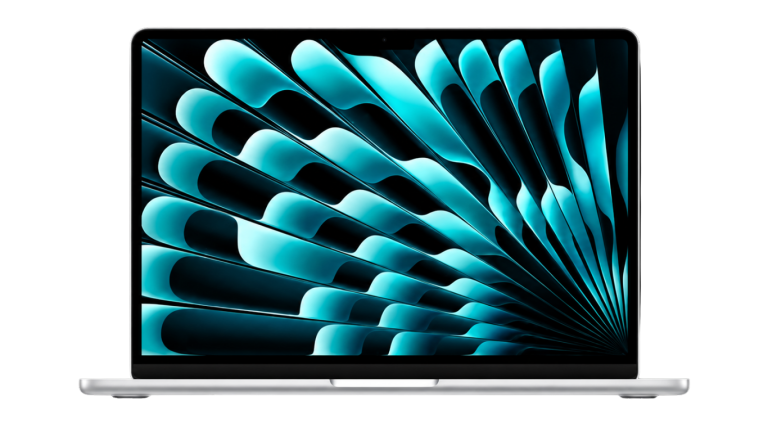
13-inch, 16GB or 24GB memory, 512GB or 1TB.
From R25 919,34
Available
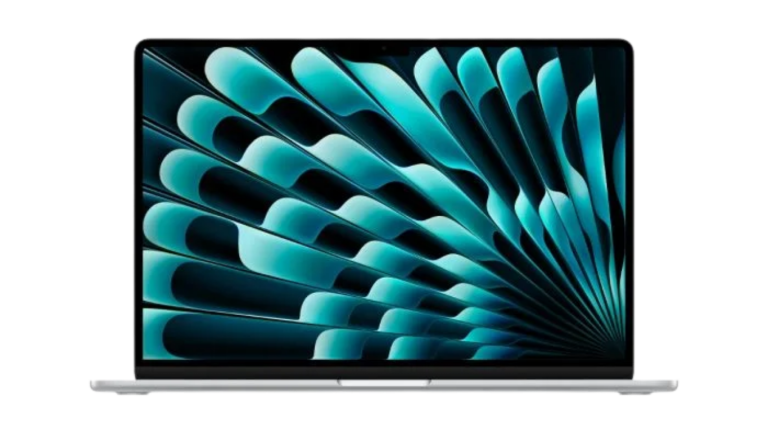
Explore MacBook Air15-inch, 16GB or 24GB memory, 512GB or 1TB.
From R29 929,67
Available
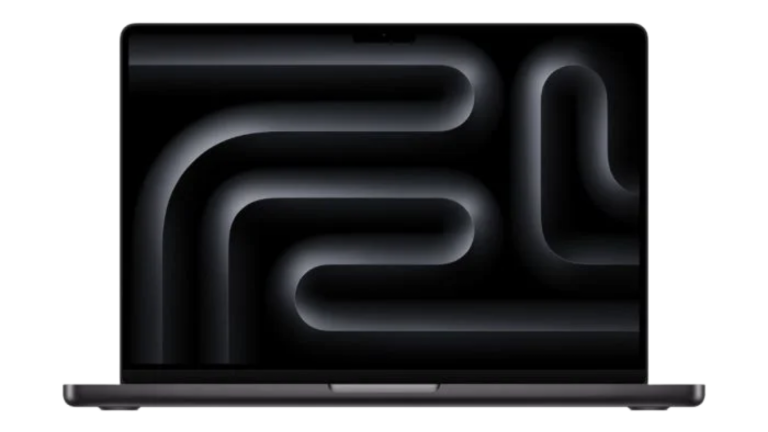
Explore MacBook Air14-inch with M5, M5 Pro or M5 Max, 1TB or 2TB.
From R39 906,54
Available
View MacBook Pro14-inch with M6, 16GB, 24GB or 32GB memory, 1TB.
From R40 689,03
Available
View MacBook Pro M616-inch with M5 Pro or M5 Max, 1TB or 2TB.
From R59 860,29
Available
View MacBook Pro
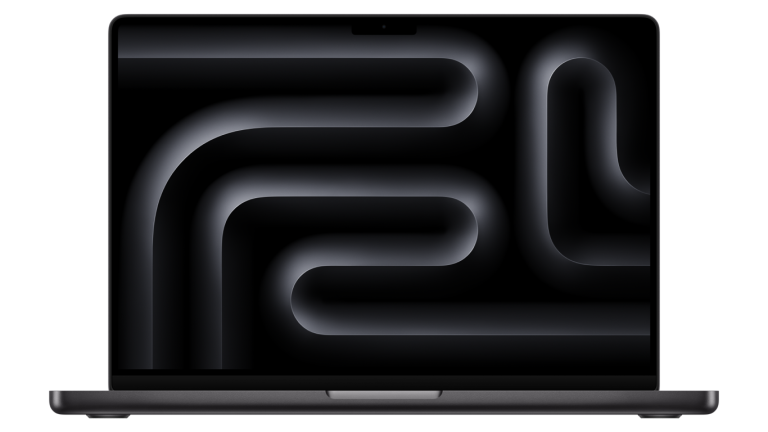
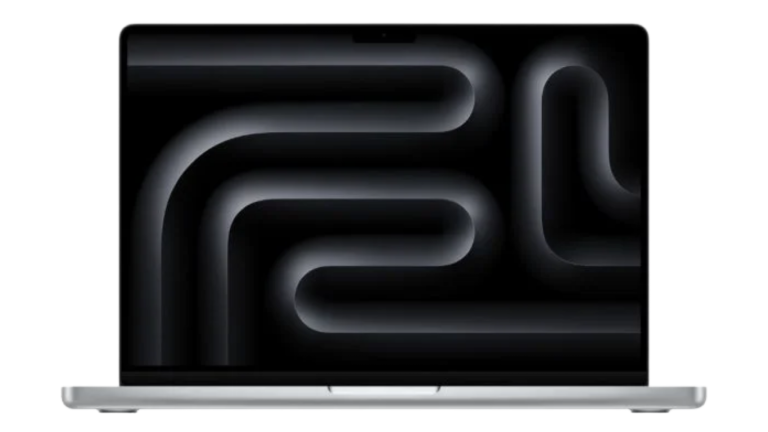
iShure currently offers the 14-inch MacBook Pro in two generations: with the M5, M5 Pro or M5 Max chip, and with the newer Apple M6 chip. The M6 model has a 12-core CPU and a 12-core GPU, and iShure sells it with 16GB, 24GB or 32GB of unified memory and a 1TB SSD, in Space Black or Silver.
Prices on the cards are iShure's current prices in rand. At the time you are reading, the 14-inch MacBook Pro starts at about R13 987 more than the 13-inch MacBook Air.
Key differences that matter
Sustained performance
For everyday apps, the M5 in the MacBook Air is fast, and it runs silently because the Air has no fan. The trade-off shows in long, heavy jobs such as exporting video or compiling large projects, where a fanless laptop slows down to stay cool. MacBook Pro has active cooling, so it holds its speed for longer, and the M5 Pro and M5 Max chips add more CPU and GPU cores and much more memory bandwidth.
Display
Both MacBook Pro sizes have a Liquid Retina XDR display with ProMotion, which refreshes at up to 120Hz for smoother scrolling. It reaches up to 1,000 nits outdoors, twice the Air's 500 nits, and 1,600 nits for HDR, which matters for HDR video and photo work. The Air's 500-nit display is sharp and comfortable for reading, writing and general use.
Ports and external displays
MacBook Air has two Thunderbolt ports, MagSafe charging and a headphone jack, and supports up to two external displays. MacBook Pro adds a third Thunderbolt port, HDMI and an SDXC card slot, so camera cards and projectors connect without adapters. With M5 Pro or M5 Max, it supports three or four external displays.
Weight and battery
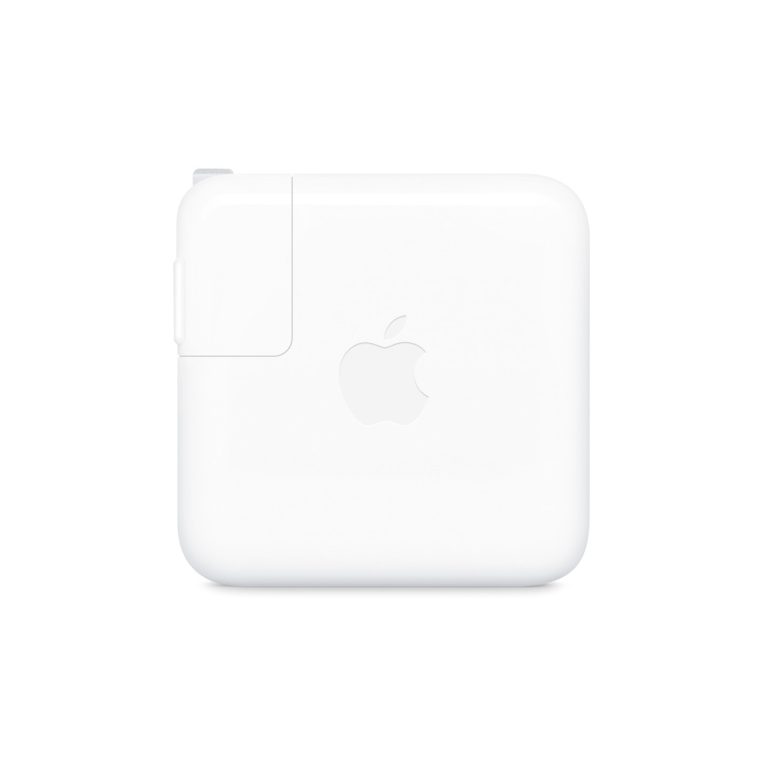
The 13-inch Air is the lightest at 1.23 kg. The 14-inch Pro weighs about 1.55 kg, close to the 15-inch Air, while the 16-inch Pro is over 2 kg. Apple's figures give the Pro longer video-streaming battery life than the Air, though heavy work on any laptop shortens it. The four M5-based models need a power adapter, which is sold separately: Apple lists a minimum of 30W for the 13-inch Air, 35W for the 15-inch Air, 60W for the 14-inch Pro with M5 and 70W for M5 Pro and M5 Max. For the 14-inch MacBook Pro with M6, please check with iShure whether a power adapter is included.
USB-C power adapters from 20W to 140W.
From R391,09
Available
View adapters
Best for specific uses
- Study, office work and browsing: MacBook Air. 16GB of memory with 512GB of storage is enough for most people.
- Travel and working on the move: the 13-inch MacBook Air for the lightest bag, or the 14-inch MacBook Pro if you need its ports and display away from a desk.
- Photo editing: MacBook Air with 24GB for occasional editing; MacBook Pro for large libraries, HDR work and SD cards from your camera.
- Video editing and motion graphics: MacBook Pro, ideally with M5 Pro or M5 Max for longer projects and higher resolutions.
- Software development: MacBook Air for web and app work on smaller projects; MacBook Pro with more memory for large builds, virtual machines and containers.
- Music production: MacBook Air for smaller sessions; MacBook Pro for large projects with many plug-ins and tracks.
- Presenting and teaching: MacBook Pro connects to projectors and screens over HDMI without an adapter.
Which should you choose?
Choose MacBook Air when…
- Your work is mainly documents, research, email, browsing and video calls.
- You want a light laptop that runs silently.
- 16GB or 24GB of memory and up to 1TB of storage are enough.
- Keeping the cost down matters more than maximum performance.
Choose MacBook Pro when…
- You edit video, work in 3D or compile large software projects regularly.
- You want the brighter Liquid Retina XDR display with ProMotion.
- You need the M5 Pro or M5 Max chip, more than 24GB of memory or 2TB of storage.
- You want the 14-inch MacBook Pro with the newer M6 chip.
- You use HDMI, SD cards or three or more external displays.
Consider another Mac when…
- You want the lowest-priced MacBook for light work: compare MacBook Neo vs MacBook Air.
- You work at a fixed desk and already have a monitor and keyboard: see the Desktop Mac Buying Guide.
Questions buyers ask
What is the main difference between MacBook Air and MacBook Pro?
MacBook Air is a thin, fanless laptop with the Apple M5 chip and a Liquid Retina display. MacBook Pro has a brighter Liquid Retina XDR display with ProMotion, active cooling for sustained heavy work, the M5 Pro and M5 Max chip options and more ports, including HDMI and an SDXC card slot.
Which MacBook is best for students?
For documents, research, browsing and video calls, the MacBook Air 13-inch M5 is the lightest of the M5 models at 1.23 kg and has the lowest starting price. Students doing video editing, 3D or software development may prefer a MacBook Pro.
Is the power adapter included?
Not with the M5 models: the MacBook Air and MacBook Pro M5 models sold by iShure include a USB-C to MagSafe 3 Cable, and the power adapter is sold separately. For the 14-inch MacBook Pro with M6, please check with iShure, as whether a power adapter is included can vary by region.
Does iShure deliver nationwide?
Yes. iShure delivers anywhere in South Africa for a shipment fee of R100 per order. Prices are shown in rand.
Are these products new?
Yes. iShure sells new and sealed Apple products, and is registered as part of the Apple reseller programme.
Our recommendation
For most people, the 13-inch MacBook Air with 16GB of memory is the better buy: it is light, silent and fast for everyday work, and the 15-inch Air adds screen space without moving to a Pro. Choose the MacBook Pro when your work is heavy and sustained, when you need its display, ports or more memory, or when your software asks for an M5 Pro or M5 Max chip.
Whichever you choose, budget for a power adapter if you do not already have a suitable one.
Sources
Technical details are from Apple's published specifications, checked on 30 October 2026; MacBook Pro M6 details checked on 6 November 2026. Configurations, prices and availability come from iShure's product listings.
- Apple: MacBook Air technical specifications (South Africa)
- Apple: MacBook Pro technical specifications (South Africa)
- Apple: MacBook Pro technical specifications (M6)
Published 13 October 2026. Last reviewed 6 November 2026.